
Adobe just handed YouTube creators a shortcut to viral content. But there’s more going on here than helpful templates.
The company partnered with YouTube to launch a dedicated creation space inside Premiere mobile for iOS. It’s packed with exclusive templates, transitions, and effects specifically designed for Shorts. Plus, creators can publish directly to their YouTube channel without leaving the app.
This move isn’t just about convenience. It’s about platform loyalty in a crowded market.
YouTube Wants You Off CapCut
Here’s what’s really happening. YouTube is steering creators away from competitors’ tools.
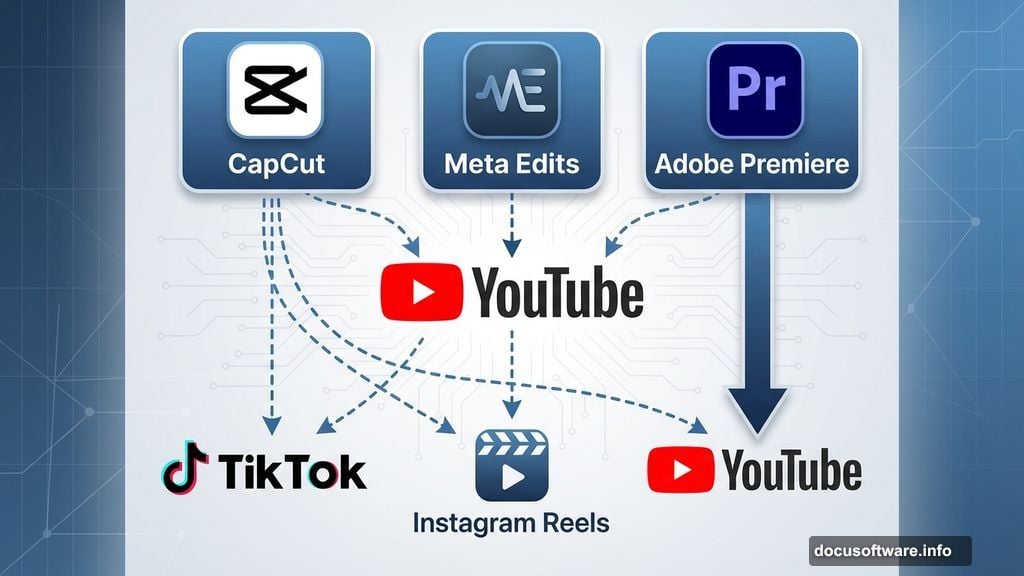
Right now, millions of creators use CapCut for quick edits. Others are testing Meta’s new Edits app. Both platforms offer similar features to what Adobe just launched. So why does YouTube care which app you use?
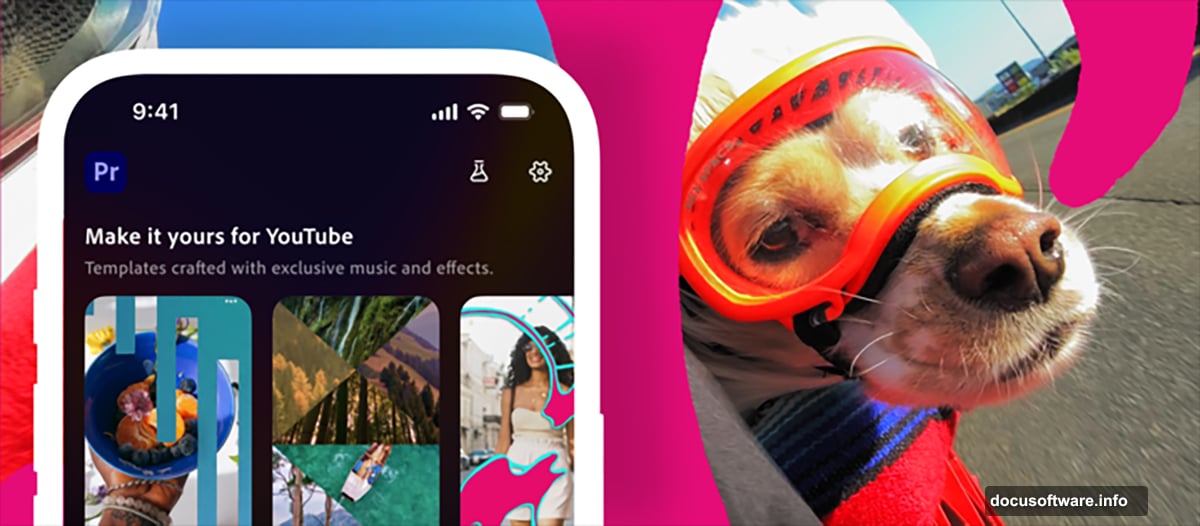
Control. When creators work inside Adobe’s YouTube-optimized space, they’re more likely to stay in YouTube’s ecosystem. The templates, the effects, the entire workflow is designed around Shorts. That makes it harder to cross-post content to TikTok or Instagram Reels.
Adobe’s Meagan Keane spelled it out pretty clearly. While you can share Premiere mobile content to other platforms, this partnership creates something unique. Creators can spot a template in their YouTube Shorts feed, then launch it directly into Premiere mobile. That seamless flow only works for YouTube content.
Templates From Top Creators Change the Game
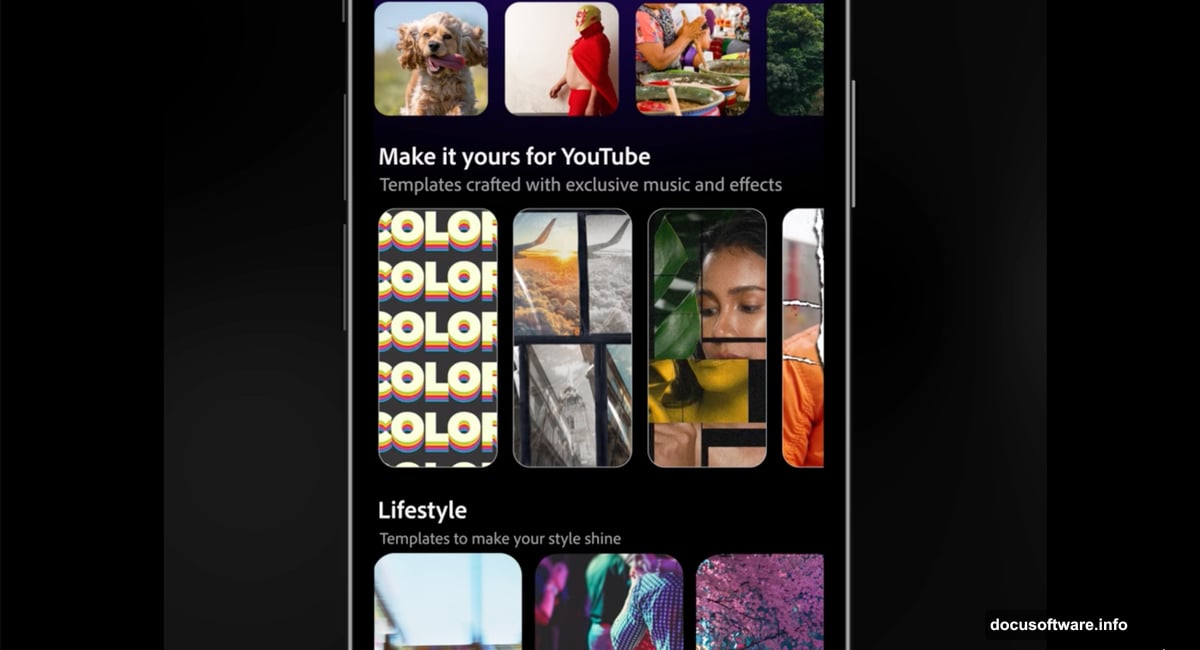
The creation space includes pre-built templates from successful YouTube creators. Each template comes with text presets, effects, and transitions already baked in.
Think about what that means. New creators can essentially copy the style of viral videos without starting from scratch. They upload their footage, drop it into a template, tweak the colors and text, then publish.
Moreover, creators can submit their own templates to the library. That builds a growing collection of proven formats that work specifically for YouTube’s algorithm. It’s like having a cheat sheet for what performs well on the platform.
Getting Started Takes About Two Minutes
The setup process is refreshingly simple. Download Adobe Premiere from the App Store. Tap “Create for YouTube” to access the dedicated space. That’s it.
From there, creators can pull clips from their iPhone camera roll, cloud storage, or Adobe Creative Cloud. The editing tools include everything you’d expect. Cut and trim clips. Layer multiple video and audio tracks. Adjust colors and brightness. Add text overlays and auto-generated captions.
But here’s the clever part. After editing, the export flow guides creators directly to YouTube. No saving files, then opening YouTube, then uploading. The whole process happens in one continuous workflow.
AI Features Blur the Line Between Editing and Creating
Adobe packed Firefly AI into this mobile space. That means creators get AI-generated sound effects, automated audio cleanup, and content generation tools.
So what used to require skill with audio software now happens with a tap. Background noise disappears. Music adjusts to match video length. Sound effects materialize on command.
Some creators will love this efficiency. Others might worry it makes everyone’s content sound too similar. When thousands of creators use the same AI-generated whoosh sounds and background tracks, differentiation becomes harder.
Free Access Removes a Major Barrier
Adobe only requires a free Premiere mobile login to access the creation space. No Creative Cloud subscription needed. No paywalls blocking essential features.
That’s a smart move. It removes friction for new creators who aren’t ready to commit to paid tools. Once they’re comfortable with Premiere mobile and invested in their template library, upgrading to paid Adobe products becomes an easier sell.
YouTube benefits too. Lower barriers to quality content creation mean more videos get published. More videos mean more ad inventory. More ad inventory means more revenue for both YouTube and creators.
This Accelerates the Template Economy
We’re watching video creation shift from custom work to template modification. Just like how Canva changed graphic design, these mobile editing platforms are changing video production.
That has upsides and downsides. On one hand, more people can create professional-looking content. Barriers to entry drop. Diverse voices get heard.
On the other hand, visual sameness increases. When everyone uses the same transitions and effects, standing out requires more than just good templates. Plus, creators who built their brands on unique editing styles lose some competitive advantage.
Why Adobe Needs This Partnership
Adobe faces serious competition in mobile video editing. CapCut is free, fast, and already has massive adoption. Meta’s Edits app is gunning for Instagram Reels creators. DaVinci Resolve offers professional features at zero cost.
So partnering with YouTube gives Adobe distribution and credibility. YouTube’s recommendation algorithm can surface Premiere mobile templates to millions of creators. That’s marketing money can’t buy.
Moreover, this partnership positions Adobe as YouTube’s preferred editing solution. When the world’s largest video platform endorses your tools, that matters to creators choosing which apps to learn.
Mobile-First Video Editing Is the Future
Desktop video editing isn’t dead. But it’s no longer the default starting point for most content creators.
Creators shoot on phones. They edit on phones. They publish from phones. The entire production cycle happens on the device in their pocket. Adobe recognizes that shift and is betting heavily on mobile tools.
This YouTube integration proves Adobe understands where creator workflows are heading. Whether they can compete with nimbler, cheaper alternatives remains uncertain. But at least they’re fighting in the right arena now.
Choose your tools based on what you actually need, not what YouTube recommends. Templates help you move fast. But your unique voice is what builds an audience that sticks around.