Comparisons
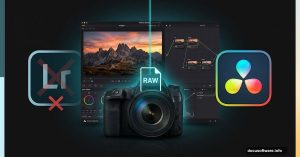
DaVinci Resolve 21 Takes Aim at Adobe Lightroom with a Powerful New Photo Page
Blackmagic Design just fired a serious shot at Adobe. And this time, the target isn’t Premiere Pro. The Australian video software company unveiled DaVinci Resolve 21 in beta at

Adobe Express and Acrobat Are Heading to Microsoft 365 Copilot
If you’ve ever wished you could tweak a PDF or polish a design without actually opening Adobe’s software, good news is coming your way.

Photoshop’s Moon Island Effect: Behind the Advanced Techniques
Ever wondered how fantasy photographers create those impossible scenes? You know, the ones where a massive moon looms over a tiny island like something from a dream?

Master Adobe Photoshop: 11 Essential 3D Photo Manipulation Tips
Want to create stunning abstract photo manipulations that look professionally rendered? This complete guide walks you through building a sophisticated 3D-style artwork from
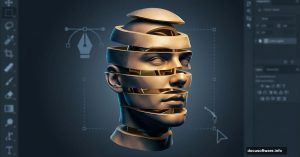
Photoshop Head Stacking: Master This Surreal Photo Effect
Want to create mind-bending surreal portraits? The stacked head effect turns ordinary selfies into impossible sculptures that grab attention.
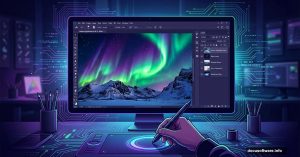
Northern Lights Photo Manipulation: Photoshop Tutorial for Winter Landscapes
Want to create a stunning aurora scene in Photoshop? This complete walkthrough shows you how to blend multiple images into a
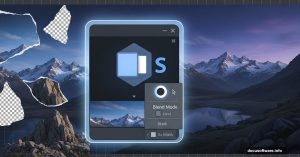
Master Photoshop Matte Painting: Build Epic Mountain Landscapes
Want to create stunning landscape art without hiking to actual mountains? Matte painting lets you build impossible scenes from stock photos.

Flying Sharks Over Manhattan: A Surreal Photoshop Composite Tutorial
Sharks cruising through New York City streets sounds impossible. But that’s exactly what makes it perfect for digital art.

Master Adobe Photoshop: Create a Realistic Rainy Window Scene
Want to create a moody rainy window scene in Photoshop? This tutorial walks you through every step, from building the window frame to painting realistic raindrops.

Adobe Photoshop’s AI Tools: Which Ones Actually Save Time?
Photoshop keeps adding AI features at a breakneck pace. But here’s the thing: Not all of them are worth your time. I spent weeks testing Adobe’s newest generative tools to