
If you’ve ever wished you could tweak a PDF or polish a design without actually opening Adobe’s software, good news is coming your way.
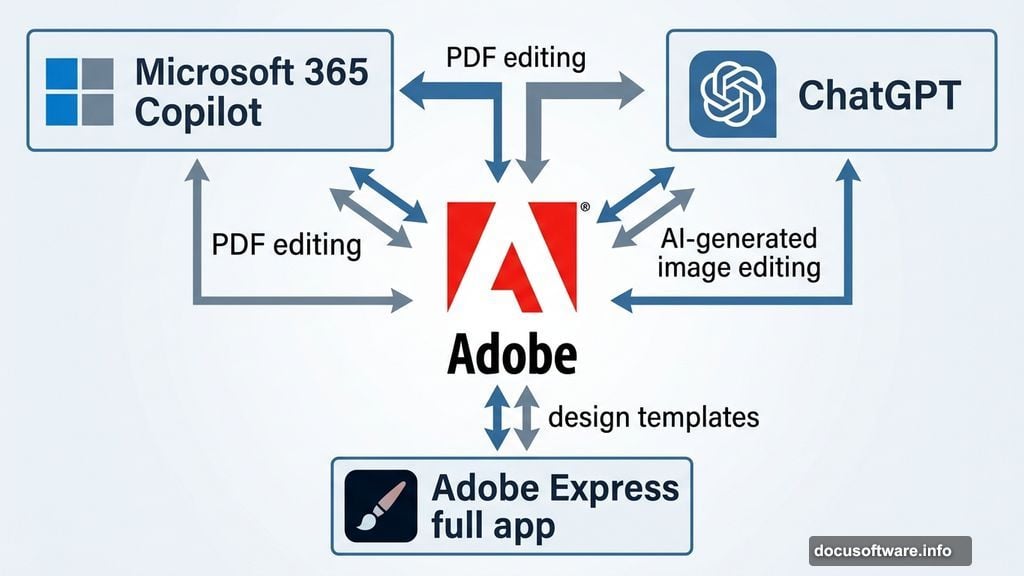
Adobe just confirmed that both Express and Acrobat will be landing in the Microsoft 365 Agent Store within the coming weeks. That means millions of workers who already live inside Microsoft 365 Copilot will soon have access to Adobe’s creative and document tools without ever leaving their familiar workspace.
This is a genuinely exciting shift for anyone who finds Adobe’s apps a little intimidating to jump into.
Adobe Express Design Templates Come to Copilot Chat
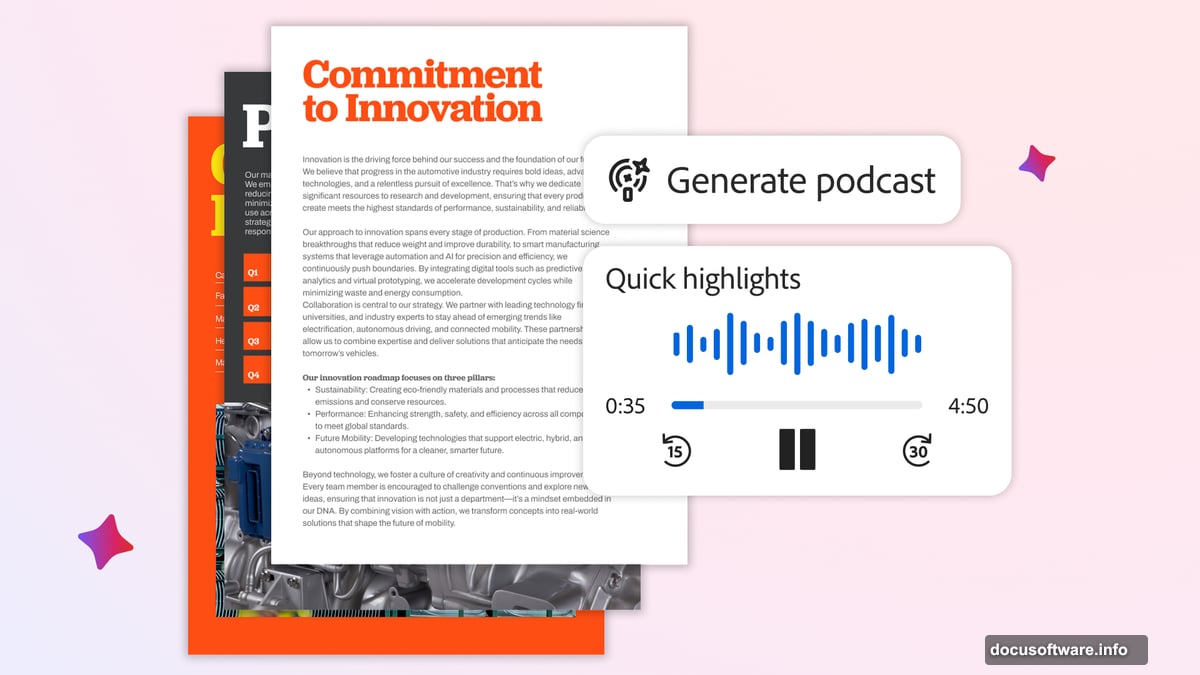
So what can you actually do once this integration goes live? Quite a lot, as it turns out.
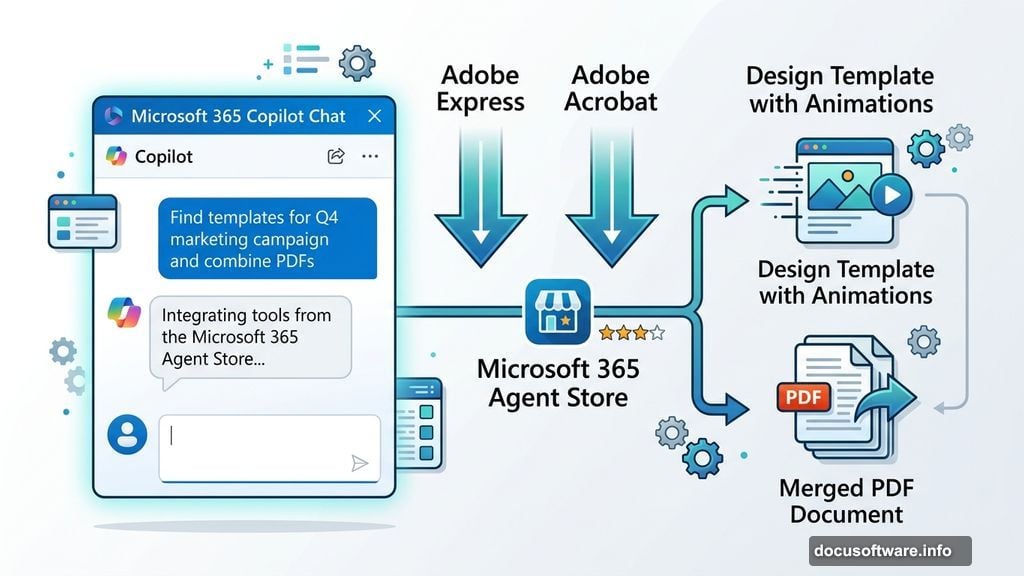
Inside Copilot Chat, you’ll be able to browse Adobe Express design templates, adjust text and copy, swap images or generate new ones using AI, and even add animations and motion effects. Think of it like having a creative assistant built right into the chat window you already use for work.
Plus, if you want to go deeper with your design, the files also live inside the full Express app. So you can start something quickly in Copilot and then hop over to Express for more detailed editing. Both paths stay open to you.
PDF Editing Gets Simpler Inside Microsoft 365
On the document side, the Acrobat integration brings PDF creation, organization, and editing directly into the Copilot Chat interface. No more switching apps just to merge a document or adjust a PDF layout.
That’s a bigger deal than it sounds. Adobe’s tools have always been powerful, but they come with a reputation for steep learning curves. Bringing those capabilities into a simple chat interface strips away a lot of that friction. You get the power without the complexity.
Adobe Express SVP and GM Govind Balakrishnan described this move as part of Adobe’s mission to make “creativity more accessible to everyone.” And honestly, that framing makes sense here.
Adobe Is Showing Up Where You Already Work
This Microsoft 365 Copilot integration isn’t a one-off move. Adobe has been deliberately building bridges into the AI tools people already use every day.
Earlier this year, Adobe brought Acrobat, Express, and Photoshop into ChatGPT, for example. That partnership let ChatGPT users move from AI-generated ideas into human-editable file formats much more smoothly. Before that kind of integration, refining an AI-generated image usually meant writing more prompts and hoping for the best.
Now, instead of nudging an AI endlessly to get the result you want, you can take a generated asset and edit it yourself in a familiar creative environment. That combination of AI speed and human precision is where things are heading, and Adobe is clearly leaning into it hard.
Why This Matters for Everyday Business Users
Here’s the thing about tools like Adobe Express and Acrobat. They’ve traditionally been seen as software for designers or document specialists. Most people in a regular office setting might never bother learning them properly.
Embedding these tools inside Copilot changes that dynamic entirely. When you can access Adobe’s design templates or PDF tools through a simple chat prompt, the barrier to entry basically disappears. You don’t need to know your way around the full software suite. You just need to know what you want to create.
That’s genuinely useful for anyone who regularly needs to produce polished documents, presentations, or marketing materials but doesn’t have a design background. Business users, small teams, and solo operators all stand to benefit here.
The Adobe and Microsoft partnership is still rolling out, with the apps expected in the Microsoft 365 Agent Store in the coming weeks. But the direction is clear. Adobe wants to meet you wherever you’re already working, and right now, for millions of people, that place is Microsoft 365 Copilot.