
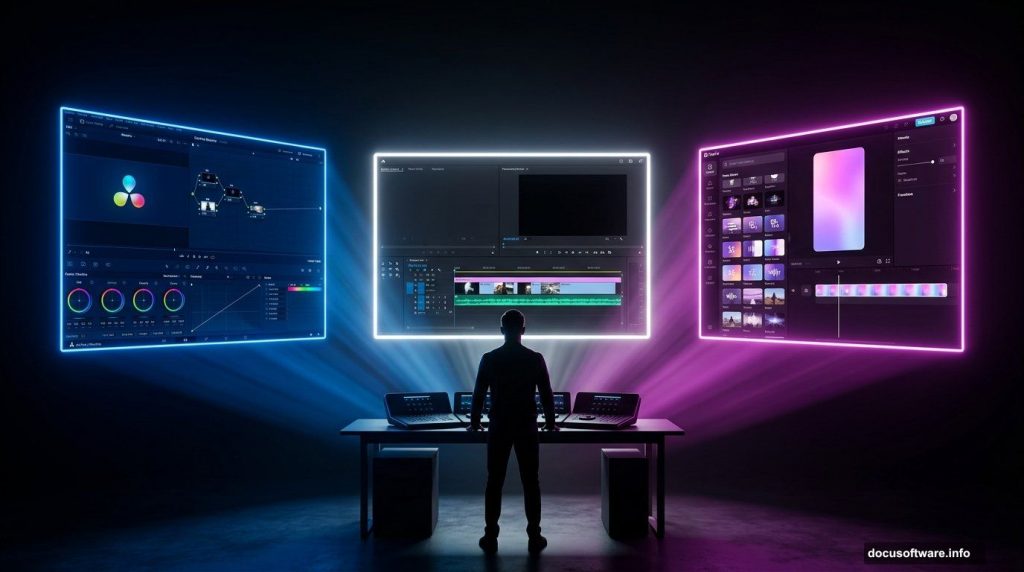
Current Video Editing Software Landscape
The video editing software conversation has shifted significantly over the past two years. DaVinci Resolve’s free version has matured into a tool that covers 95% of what most independent editors need. CapCut has become the dominant short-form editing tool by volume. Premiere Pro’s subscription model increasingly makes less sense for solo creators who aren’t using the Adobe ecosystem integrations they’re paying for. Final Cut Pro offers a compelling one-time purchase for Mac users.
ClipToolkit’s Workflow-Based Approach
The challenge for any creator trying to make a software decision — or any publication trying to cover these tools accurately — is that most comparisons are either too surface-level to be useful or too deep into feature lists to connect to actual workflow decisions. ClipToolkit takes a different approach: it covers these tools from the perspective of specific use cases and specific workflows rather than comprehensive feature inventories.
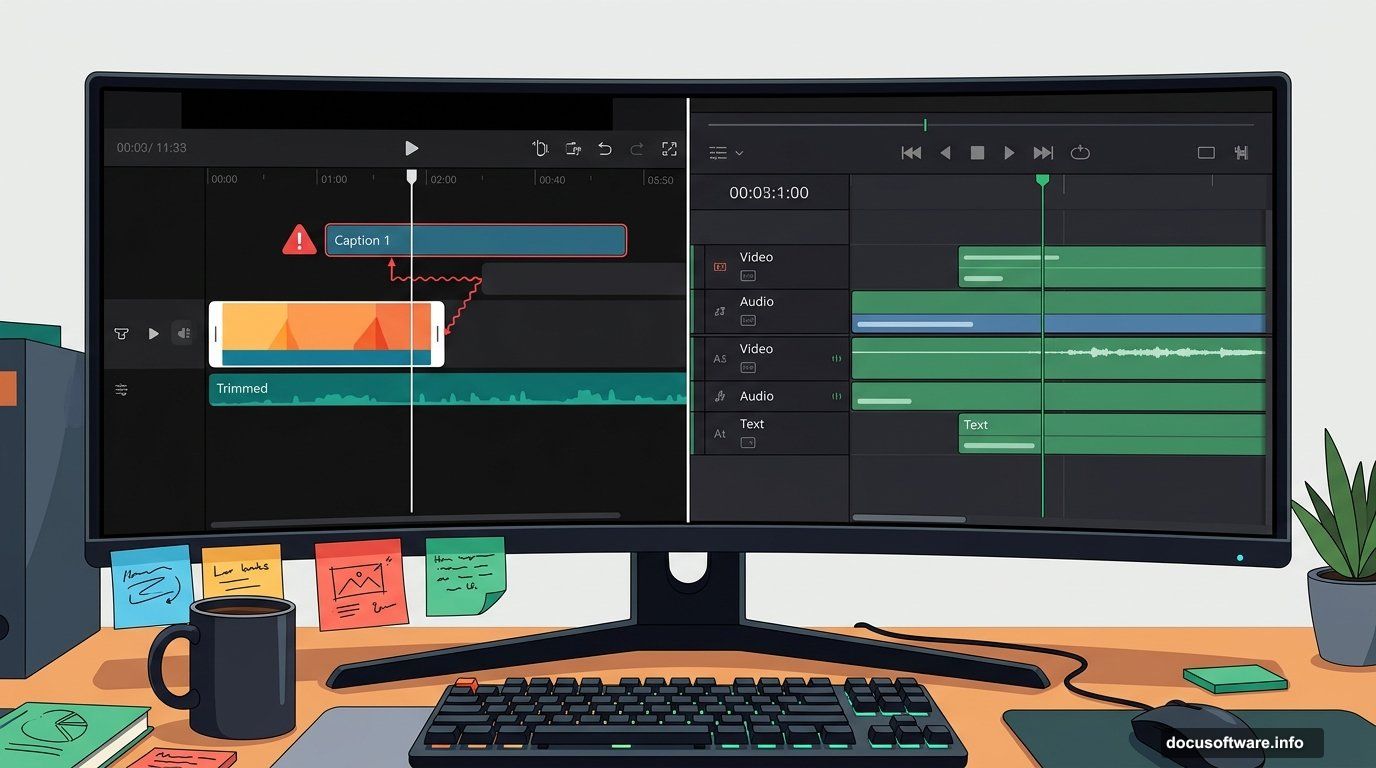
The site’s content on software comparisons is built around the kinds of decisions real editors face. The CapCut vs DaVinci Resolve coverage doesn’t just note that DaVinci has more features — it explains where CapCut’s multi-track editing breaks in practice (add a text layer and use Ripple Trim and only the video track trims, leaving text layers out of sync), which specific tasks CapCut completes faster than any traditional NLE (template-based social clips, auto-captions, trending audio integration), and where DaVinci’s learning curve is actually steep versus where it just looks steep from the outside (the node-based colour workflow is genuinely different, the Edit page is increasingly approachable).
Free vs Paid Software Reality
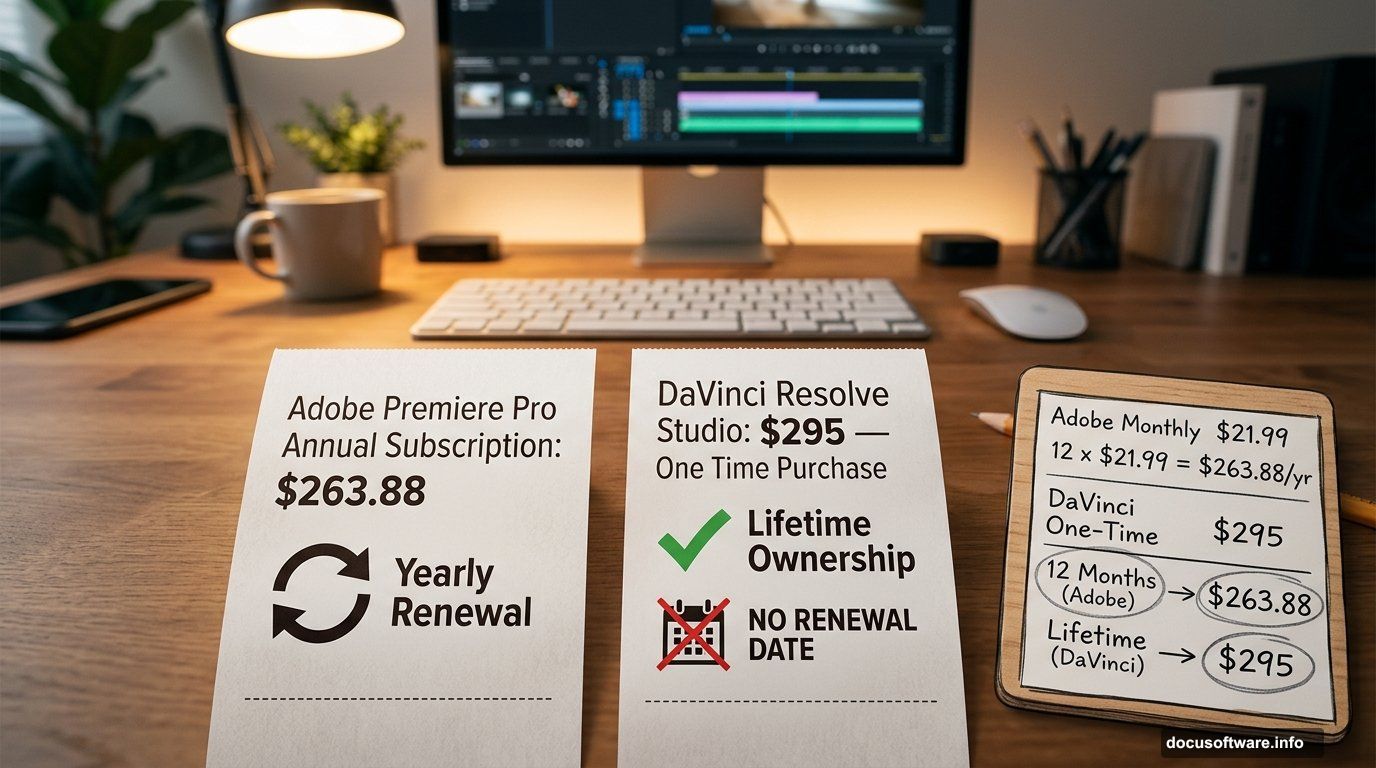
The free versus paid content takes an honest position on a question that most software publications dance around. DaVinci Resolve free is better than most paid editors. The $295 Studio upgrade adds noise reduction, some AI tools, and collaboration features — but most independent editors don’t need any of those. Premiere Pro costs $263.88 per year. After twelve months you’ve spent the equivalent of a DaVinci Studio lifetime licence, and the Premiere clock resets. The maths is presented directly rather than hedged with “it depends on your needs.”
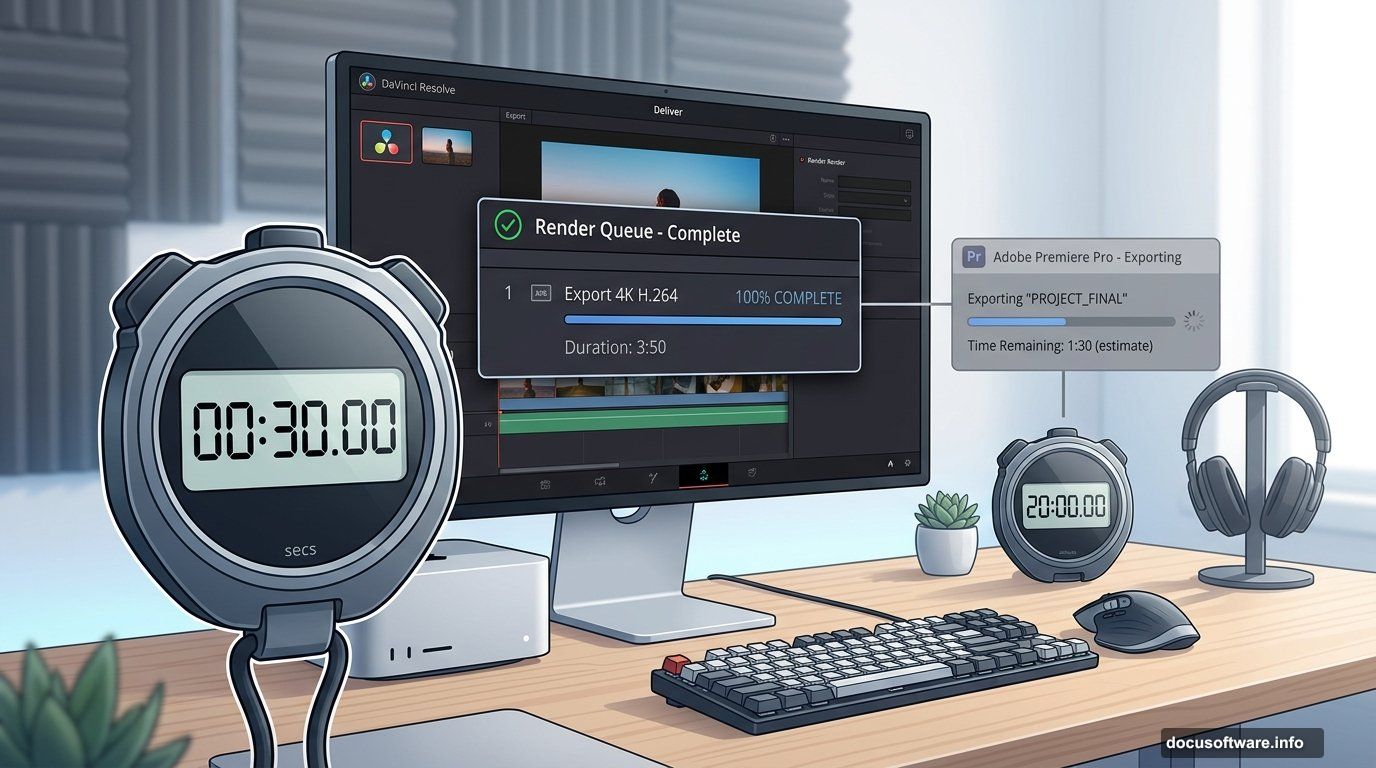
The export speed comparison is worth noting for anyone benchmarking these tools. On an M1 Max Mac Studio with 4K H.264 footage, DaVinci Resolve exported a three-minute fifty-second timeline in 30 seconds. Premiere Pro took 20 minutes on identical hardware with identical source files. The difference comes from Resolve’s more aggressive GPU acceleration — a practically significant gap for anyone doing high-volume editing.
Practical Workflow Decision Making
What ClipToolkit adds to the software conversation that most reviews don’t is workflow specificity. The free vs paid video editing software guide is structured around decision points rather than feature lists: if you’re currently paying for Premiere and not using After Effects or team collaboration features, here’s the exact maths on switching. If you’re choosing between CapCut and Resolve for short-form social content, here’s where the ceiling of each tool shows up in practice. If you’re on Mac and haven’t tried the Final Cut Pro 90-day trial, here’s why it’s worth the two months.
Technical Export Settings and Performance
The tool-specific export guidance goes deeper than most comparison content. The export settings guide covers DaVinci Resolve, Premiere Pro, CapCut desktop, and Final Cut Pro separately, with specific menu paths and the reasoning behind each setting rather than just the numbers. It explains why VBR 2-pass encoding in Premiere produces better quality per file size than VBR 1-pass, why Software Encoding in Premiere produces fewer artefacts than Hardware Encoding despite taking longer, and why Smart HDR in CapCut creates colour shifts that don’t show in the editor preview but appear after upload.
For software publications covering the creator tools space, ClipToolkit represents the practitioner end of the conversation — not what the spec sheets say these tools can do, but what editors actually encounter when they use them for real projects under real constraints.