
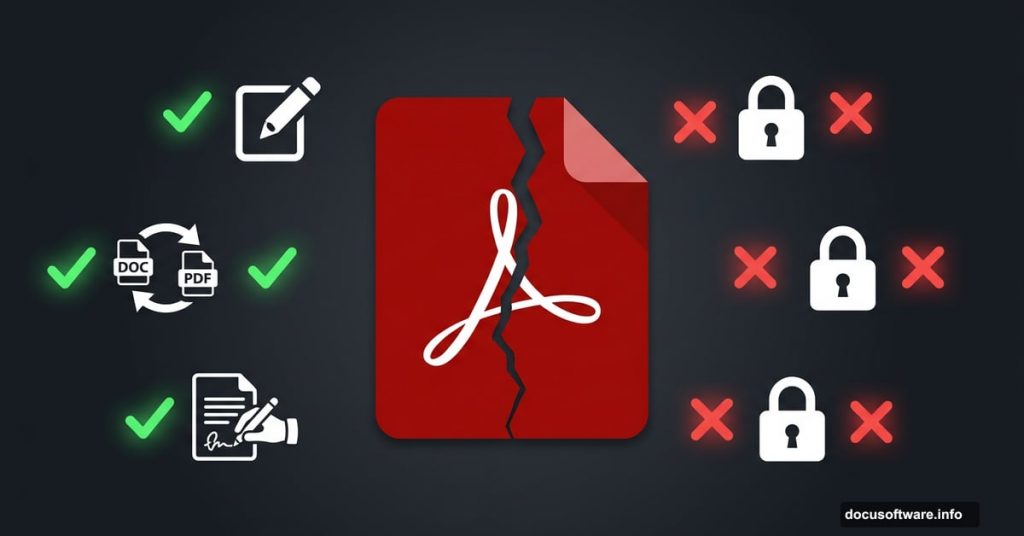
Adobe Acrobat Standard sits in an awkward spot. It’s more powerful than the free Reader, but it holds back just enough features to make you wonder if you’re paying for the right tier.
So who is this actually for? Let’s find out.
What Acrobat Standard Actually Gives You
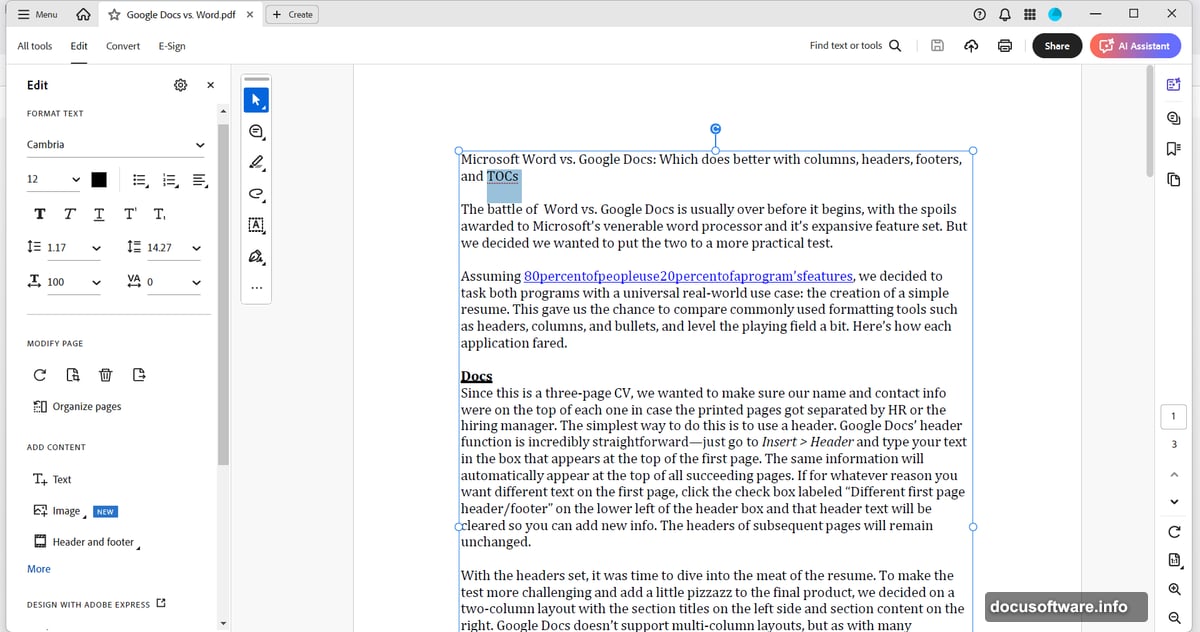
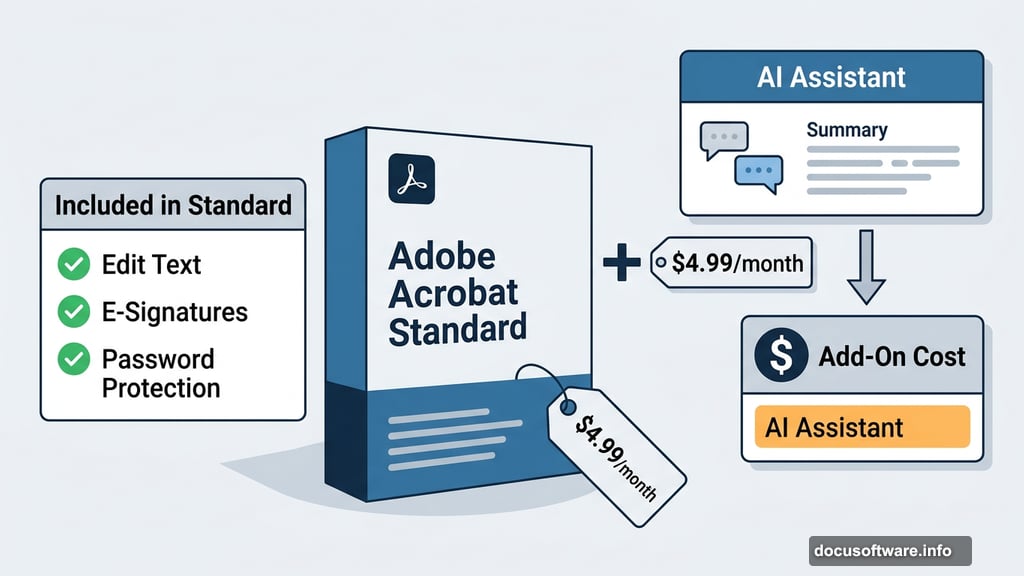
Right out of the gate, Standard covers the PDF tasks most people need day to day. You can edit text and images, rearrange pages, convert files to and from PDF, fill and sign forms, request e-signatures, and lock documents with password protection.
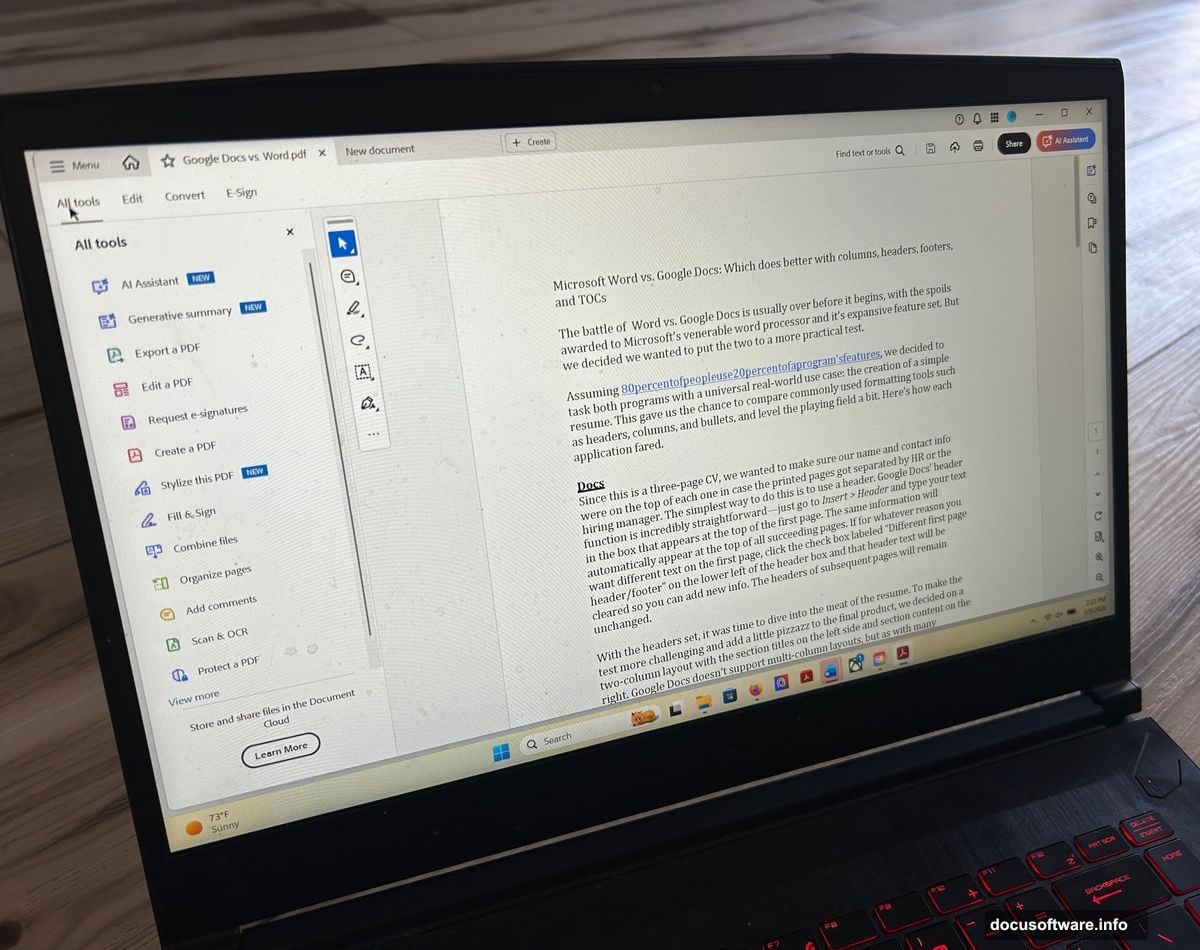
Plus, the interface feels genuinely polished. If you’ve used any Adobe product before, you’ll feel right at home. The familiar layout includes a home view for recent files, a tabbed document workspace, and quick-access tool panes that keep things organized.
Compared to cheaper PDF editors, Standard looks and behaves far more professionally. Many budget options feel cluttered or dated. Acrobat Standard doesn’t have that problem.
Also worth noting: it runs on both Windows and macOS, and automatic updates keep it current as long as your subscription stays active.
The Editing Experience Feels Smooth
In testing, Standard’s core tools delivered exactly what Adobe promises. Basic text edits were quick and intuitive. File conversions completed cleanly, with no obvious formatting disasters on the other side.
The form and signing tools stood out as especially well executed. Filling out PDF forms, setting up signature requests, and adding protection all worked without friction. For routine document work, Standard genuinely earns its reputation.
That consistency matters more than it sounds. With cheaper alternatives, you often deal with small annoyances that pile up. Standard mostly avoids those headaches.
Missing Features That Actually Hurt
Here’s where things get complicated. Standard has three notable gaps that may matter a lot depending on your work.
First, there’s no optical character recognition (OCR). That means if someone sends you a scanned document, you can’t turn it into searchable or editable text. You’d need to upgrade to Acrobat Pro for that. For anyone handling scanned contracts, receipts, or legal documents, this is a real problem.
Second, redaction is missing entirely. If you work with sensitive documents and need to permanently remove information before sharing, Standard won’t help you. That’s a meaningful gap for legal, medical, or compliance work.
Third, document comparison is absent. Reviewing multiple versions of the same file side by side? Not possible here. Pro gets it. Standard doesn’t.
The AI Assistant Costs Extra
Adobe’s AI Assistant can summarize documents, answer questions about their contents, and generate draft text. Sounds useful, right?
But it doesn’t come with Standard. Instead, Adobe charges an additional $4.99 per month or $59.88 per year on top of your subscription. So if you want it, plan for that extra line item.
This feels like a deliberate choice to keep Standard’s headline price attractive while moving valuable features behind an additional paywall.
How Much Does Acrobat Standard Cost?
Pricing comes in three options. Month to month runs $24.99. An annual plan billed monthly drops to $14.99 per month. Paying the full year upfront costs $179.88.
Those numbers put Standard directly against competitors like Foxit PDF Editor and PDFelement, both of which offer comparable or lower pricing. Neither of those competitors locks OCR behind a higher tier the way Adobe does here.
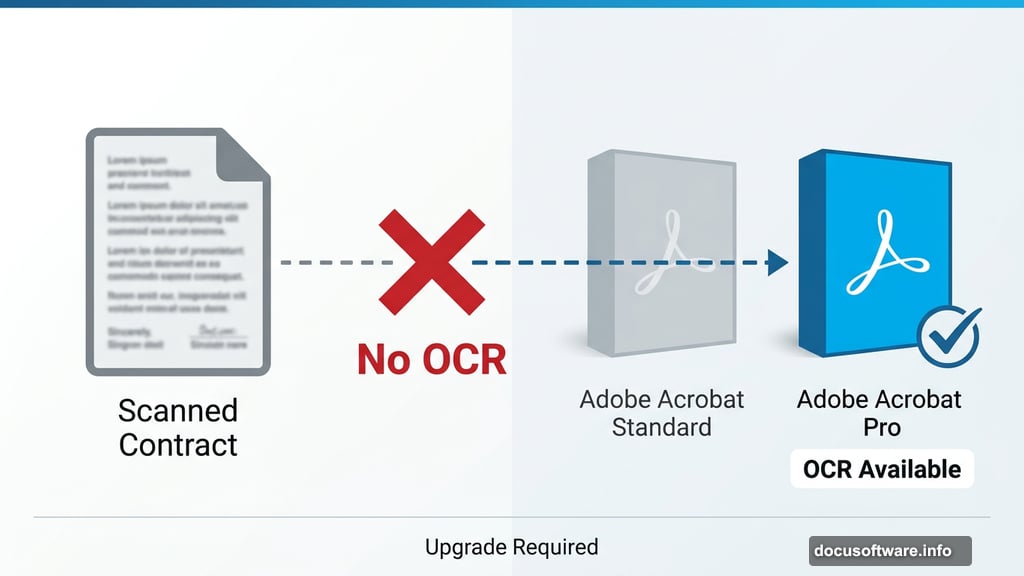
For context, Acrobat Pro runs $19.90 per month on an annual plan at $239.88 per year. So the jump from Standard to Pro costs roughly $60 more annually, but adds OCR, redaction, document comparison, and more advanced AI and collaboration features. That gap is worth thinking about before you commit.
Standard vs. Pro: Which Tier Makes Sense?
Standard works well when your PDF needs are genuinely straightforward. Editing documents, converting files, handling forms, managing signatures, and protecting sensitive files with passwords are all handled competently.
However, the moment scanned documents, redaction, or version comparison enter your workflow, Standard starts feeling limited rather than efficient. At that point, the modest price difference between Standard and Pro starts looking much smaller.
Adobe clearly designed these tiers intentionally. Standard isn’t incomplete by accident. Features like OCR and redaction were moved upward deliberately to push users toward Pro.
My Honest Take
Acrobat Standard is a well-built tool with a clearly defined ceiling. If your work truly stays within editing, conversion, forms, signing, and basic protection, it delivers reliably. The interface is better than most alternatives at this price range, and the day-to-day experience feels mature and smooth.
But that $14.99 monthly price feels steep once you see what’s missing. Competitors offer OCR and redaction at similar or lower costs. And Adobe’s decision to charge extra for its AI Assistant on top of an already subscription-priced product adds friction.
My recommendation: before subscribing to Standard, honestly map out your document workflow for one week. If scanned files, sensitive redactions, or version comparisons come up even occasionally, skip Standard entirely and go straight to Pro. The features you’d be missing matter more than the price difference suggests.