

Finals season is stressful. Adobe just made it a little more manageable.
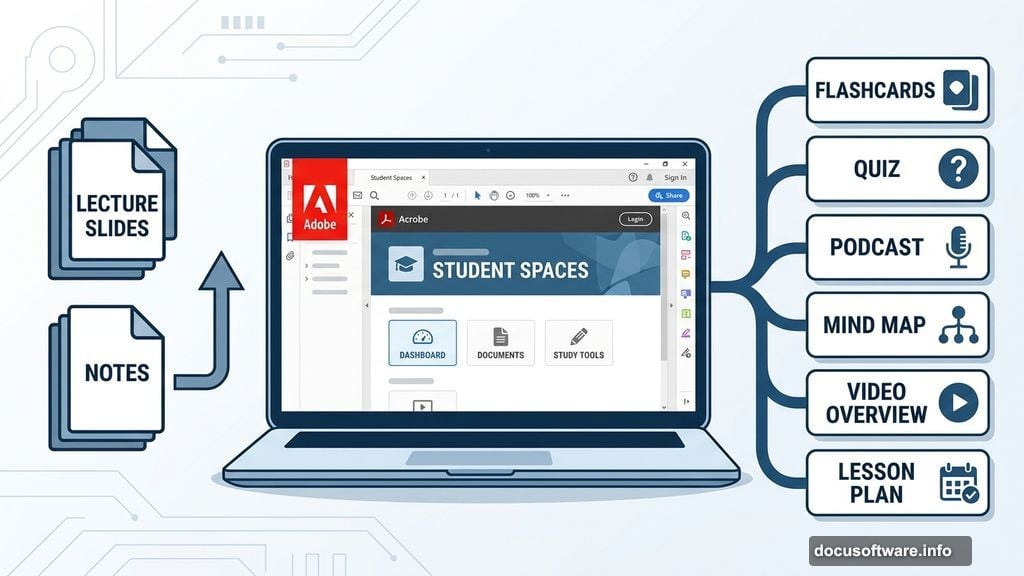
The company recently launched Student Spaces inside Adobe Acrobat, a personalized AI learning environment built specifically for students. You upload your course materials, and the AI gets to work building custom study tools tailored to what you actually need to learn.
What Student Spaces Can Build for You
The range of study formats here is genuinely impressive. Upload your notes or lecture slides, and Adobe’s AI can generate study guides, flashcards, quizzes, podcasts, video overviews, presentations, mind maps, and custom lesson plans.
So whether you learn best by listening, watching, or testing yourself, there’s something here for you. Auditory learners can use the podcast tool to hear concepts explained out loud. Visual learners can lean on mind maps and video overviews. Math students can work through equations with the AI tutor, while history students can drill key events using flashcards and quizzes.
That variety was intentional. Adobe’s VP of Education Charlie Miller, who’s also a longtime college professor, led the team that built Student Spaces. His goal was to make the tool work for every learning style.
“As much as possible, we do want to be agnostic to the type of learning or the type of content,” Miller told CNET.
Built With Students, Not Just For Them
Adobe didn’t build Student Spaces in a vacuum. The team gathered feedback from more than 500 students across six universities before launching. That real-world input shaped two of the tool’s most practical features: collaboration and consolidation.
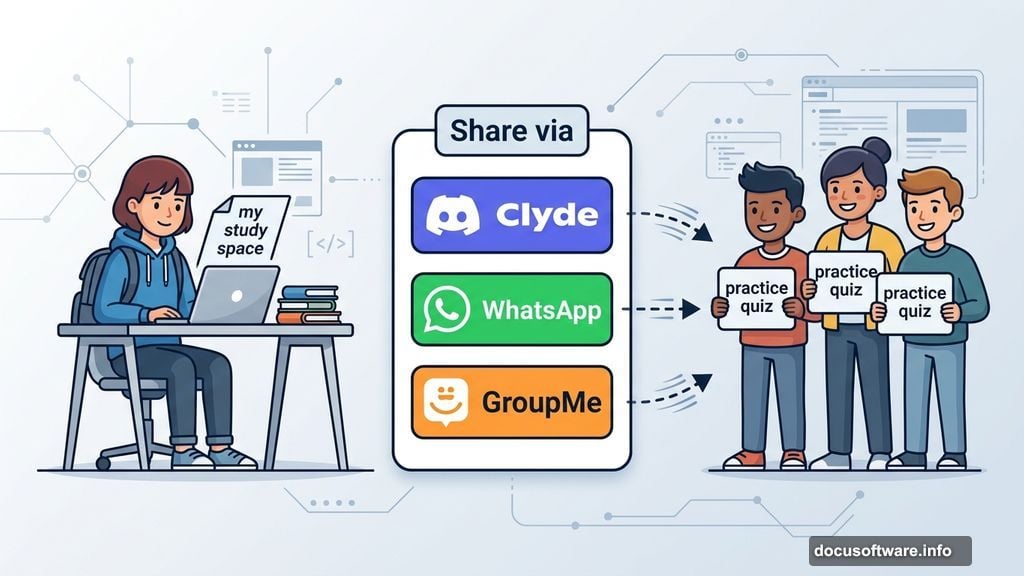
Students told Adobe they wanted everything in one place and the ability to study with classmates. Student Spaces delivers both. You can share your entire study space through Discord, WhatsApp, or GroupMe, or share individual tools like a practice quiz without handing over all your materials.
It works similarly to Google’s NotebookLM if you’ve tried that. Everything the AI generates stays grounded in the source material you upload. Plus, every answer cites exactly where it pulled the information from, so you can verify facts and trace concepts back to the original text.
The AI Ethics Question in Education
AI tools in education spark real debate. Many parents and educators worry that general-purpose chatbots make it too easy for students to skip the thinking altogether and simply request a finished essay.
Student Spaces takes a different approach. Instead of generating work for you, it generates tools that require you to engage with your material. Flashcards, quizzes, and study guides prompt active recall. The AI tutor walks you through problems rather than handing you answers.
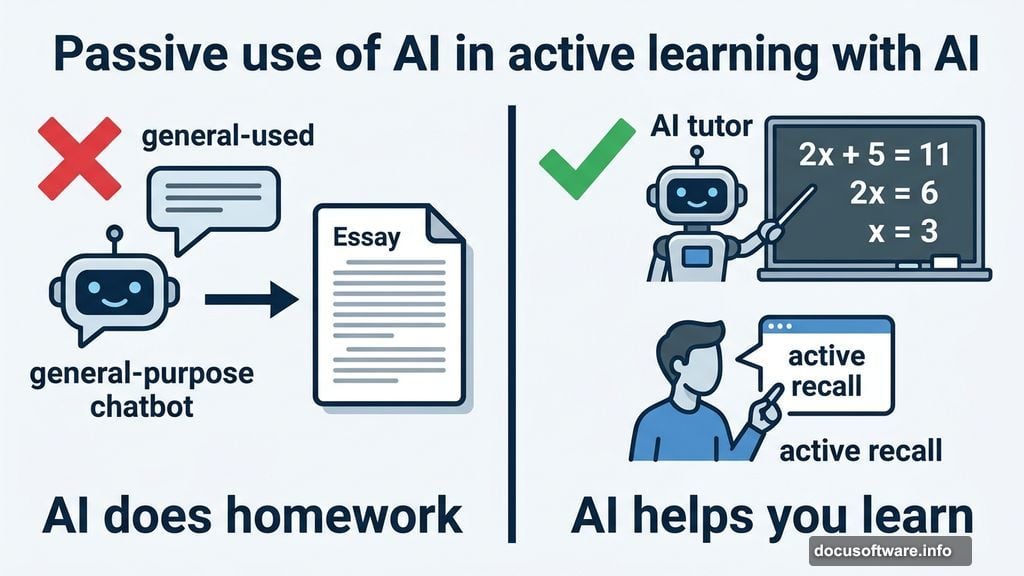
That distinction matters. There’s a difference between AI doing your homework and AI helping you actually learn the content. Adobe clearly designed Student Spaces to sit on the helpful side of that line.
How to Get Started
Student Spaces is currently in public beta and free to use. You’ll need access to Adobe Acrobat to try it. If you don’t already have that, check whether your university provides access to Adobe Creative Cloud apps. Many do. And if yours doesn’t, Adobe offers heavily discounted subscriptions with a student email address.
One important note: upload only materials you have the rights to use. Your own notes, lecture slides your professor shared, and documents you created are fair game. Your entire purchased textbook is not.
If finals are looming and your usual study routine isn’t cutting it, Student Spaces is worth a look. It’s free, it’s built around how students actually learn, and it might just save you a few panicked all-nighters.