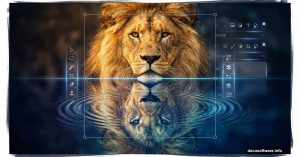
Photoshop’s Generative Upscale Put to the Test: Does AI Really Beat Traditional Methods?
Adobe just dropped Generative Upscale in Photoshop Beta. It promises to enlarge images using AI without the usual quality loss.
Показано 10 из 317 материалов
Adobe just dropped Generative Upscale in Photoshop Beta. It promises to enlarge images using AI without the usual quality loss.
Changing red to blue? Easy. Swapping yellow for green? No problem. But turning pure white or solid black into vibrant color? That’s where most people hit a wall. The usual
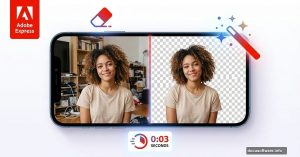
Photoshop’s Select Subject tool got way better. And it finally works offline. For years, the best auto-selections required sending your images to Adobe’s cloud. That bothered a
Turning daylight photos into nighttime scenes sounds tricky. But Lightroom makes this classic photography technique surprisingly accessible.
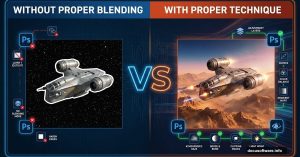
Photoshop selections drive me crazy sometimes. You spend 20 minutes carefully tracing around hair or fur, only to end up with jagged edges that scream “amateur cut-out job.”
Photoshop Beta just dropped two AI partner models that generate wildly different results. Most people know about Nana Banana, but there’s a secret weapon hiding in the Beta: Flux
Adobe dropped something wild into Photoshop Beta this week. It’s called Nano Banana, and it’s powered by Google’s Gemini 2.5.
Starting with Adobe Illustrator feels overwhelming. The interface looks complex. The tools seem mysterious. Plus, you probably wonder if you’ll ever create professional designs.
Want to create text that looks like blown glass? This effect works perfectly for logos, app icons, and social media graphics.
Glitch effects dominate modern design. From music posters to tech branding, that fragmented digital aesthetic catches eyes instantly.