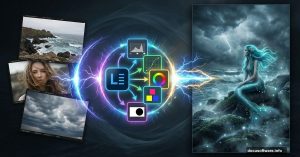
Fix Weird Skin Colors in Photoshop With This Subtract Blend Mode Trick
Skin tones look off in your photos? You’re not alone. Even professional photographers deal with color casts that make people look too orange, too red, or just plain weird.
Показано 10 из 317 материалов
Skin tones look off in your photos? You’re not alone. Even professional photographers deal with color casts that make people look too orange, too red, or just plain weird.
Creating eye-catching icons feels intimidating at first. But once you understand the layering tricks, you’ll wonder why it seemed so hard.
Adobe just made a big move in enterprise AI. But this isn’t another generic chatbot launch. The company launched Adobe AI Foundry on Monday. It’s a service that builds custom
Creating realistic t-shirt mockups sounds intimidating. Most tutorials overcomplicate it with dozens of steps and confusing layer stacks.
Photoshop feels overwhelming. Too many buttons. Too many menus. Too many ways to do the same thing. But here’s the truth. Most professionals use maybe 20% of Photoshop’s features
Adobe Illustrator hides powerful features in plain sight. Most designers stick to the basics and miss shortcuts that could cut their work time in half.
Double exposure effects transform ordinary portraits into stunning artistic pieces. But most tutorials skip the crucial details that separate amateur attempts from professional
Masking in Adobe Illustrator feels complicated at first. Most tutorials throw every feature at you without explaining when to use what.
I spent two weeks testing Luminar NEO’s AI tools on dozens of images. The results surprised me more than I expected. Most AI photo editors promise revolutionary results but
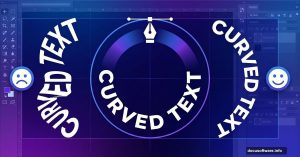
The Pen tool scares people. Those clean, curved paths seem impossible to create at first. But here’s the truth. Once you understand three core concepts, the Pen tool becomes your