Comparisons

Adobe Express and Acrobat Are Heading to Microsoft 365 Copilot
If you’ve ever wished you could tweak a PDF or polish a design without actually opening Adobe’s software, good news is coming your way.
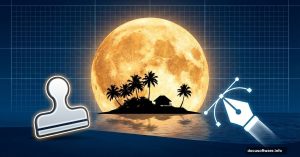
Photoshop’s Moon Island Effect: Behind the Advanced Techniques
Ever wondered how fantasy photographers create those impossible scenes? You know, the ones where a massive moon looms over a tiny island like something from a dream?
Master Adobe Photoshop: 11 Essential 3D Photo Manipulation Tips
Want to create stunning abstract photo manipulations that look professionally rendered? This complete guide walks you through building a sophisticated 3D-style artwork from
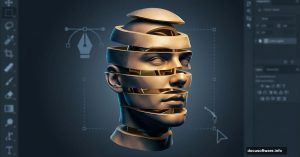
Photoshop Head Stacking: Master This Surreal Photo Effect
Want to create mind-bending surreal portraits? The stacked head effect turns ordinary selfies into impossible sculptures that grab attention.
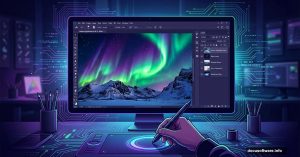
Northern Lights Photo Manipulation: Photoshop Tutorial for Winter Landscapes
Want to create a stunning aurora scene in Photoshop? This complete walkthrough shows you how to blend multiple images into a
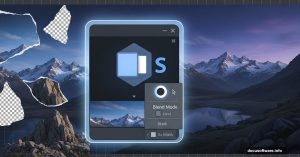
Master Photoshop Matte Painting: Build Epic Mountain Landscapes
Want to create stunning landscape art without hiking to actual mountains? Matte painting lets you build impossible scenes from stock photos.
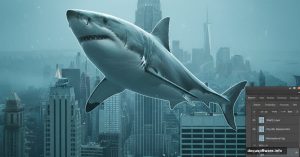
Flying Sharks Over Manhattan: A Surreal Photoshop Composite Tutorial
Sharks cruising through New York City streets sounds impossible. But that’s exactly what makes it perfect for digital art.
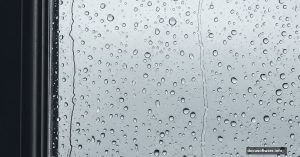
Master Adobe Photoshop: Create a Realistic Rainy Window Scene
Want to create a moody rainy window scene in Photoshop? This tutorial walks you through every step, from building the window frame to painting realistic raindrops.
Adobe Photoshop’s AI Tools: Which Ones Actually Save Time?
Photoshop keeps adding AI features at a breakneck pace. But here’s the thing: Not all of them are worth your time. I spent weeks testing Adobe’s newest generative tools to
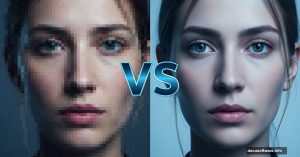
Photoshop’s Generative Upscale Put to the Test: Does AI Really Beat Traditional Methods?
Adobe just dropped Generative Upscale in Photoshop Beta. It promises to enlarge images using AI without the usual quality loss.